

Set a cost control limit
- Navigate to the “API Usage” tab
- Click to change cost control settings for the relevant unit — a separate link manages the limit for each of characters, STT minutes, and STS minutes
- Check the box to activate the limit
- Enter the maximum consumption per month
- Click “Submit” to save the changes
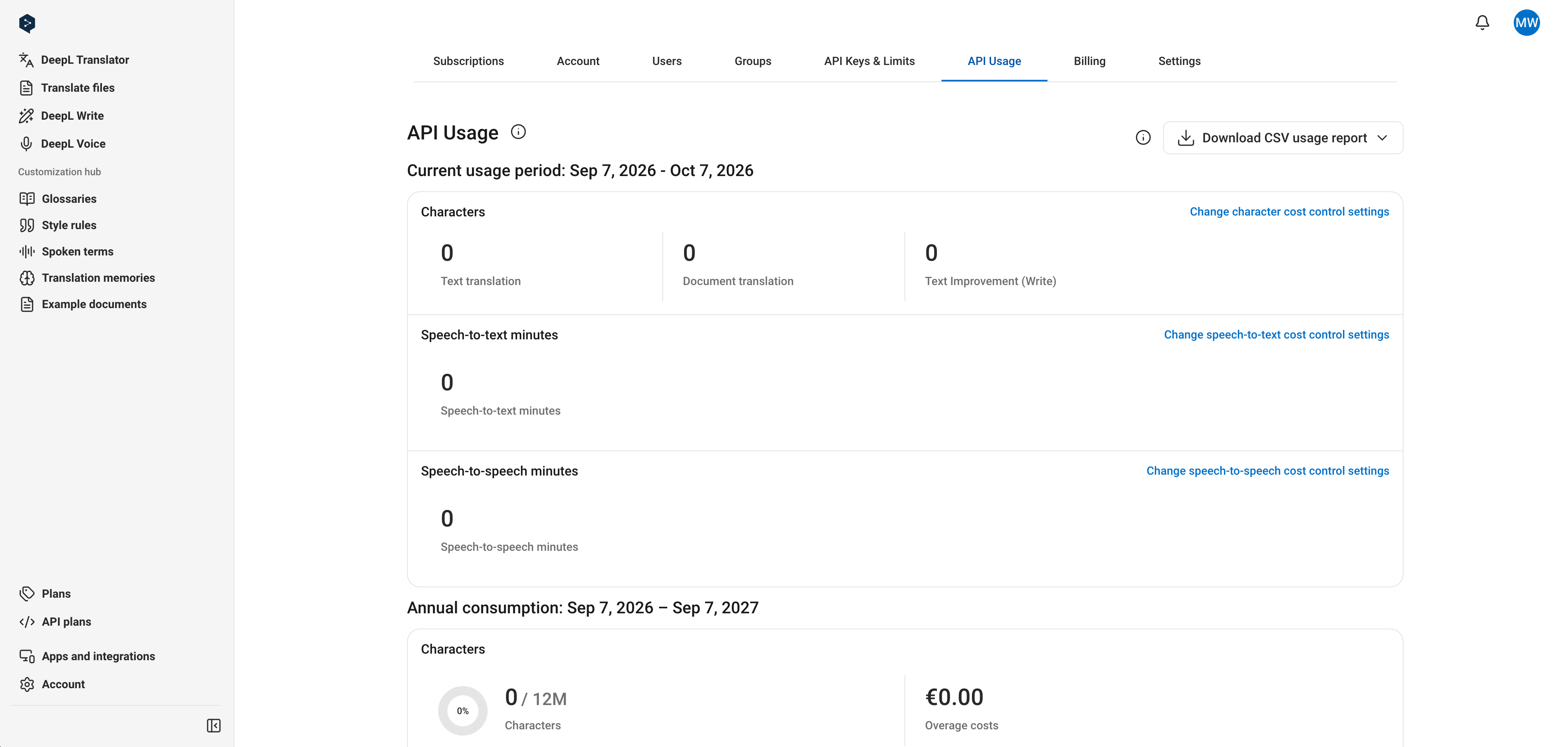
Per-unit links for managing subscription-level cost control